Actions
Action Plans
Each time a control fails (orange or red), an action plan must be put in place and followed in order to remedy the situation.
List of Action Plans 
This screen allows you to follow the action plans:
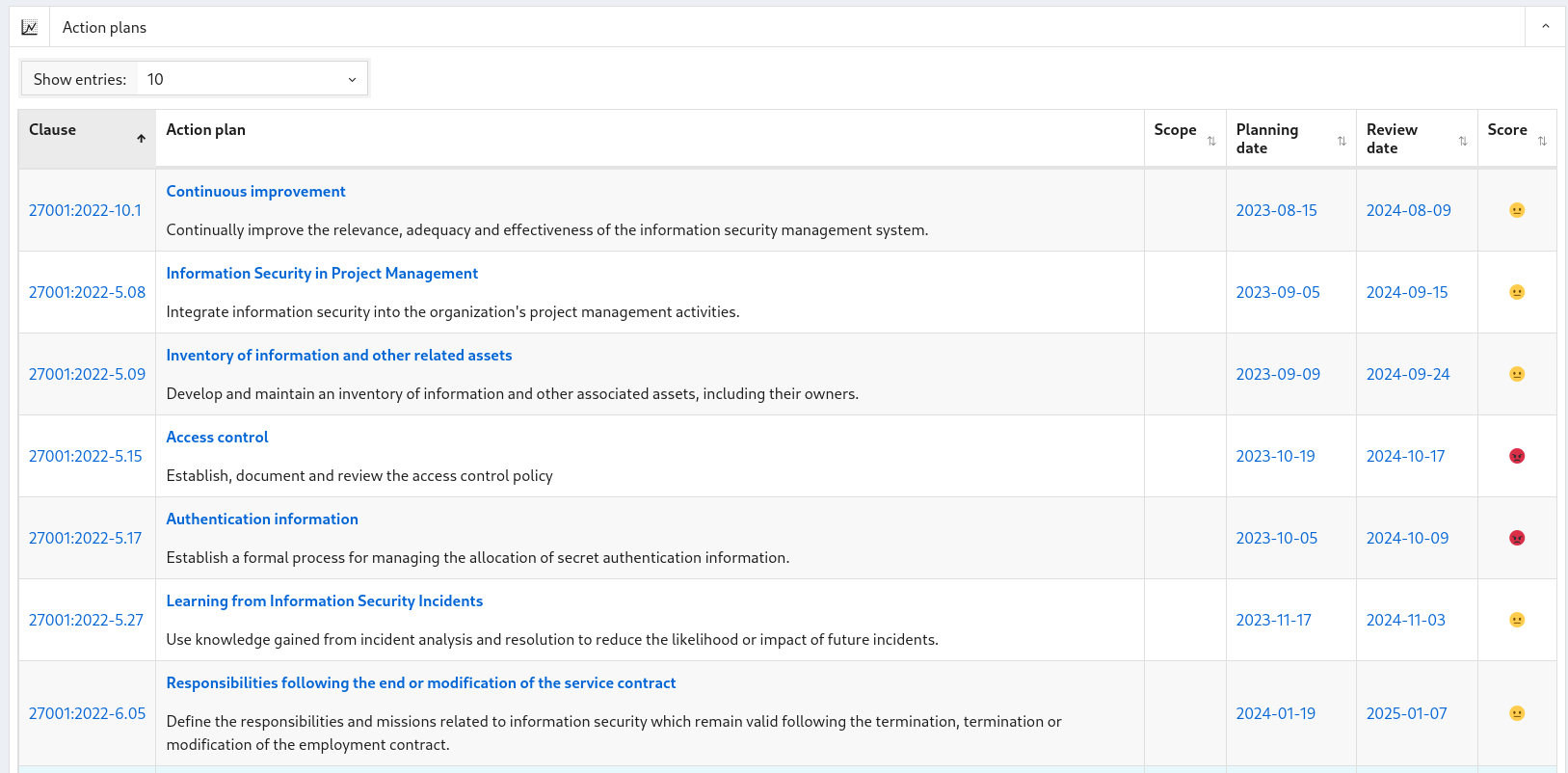
Clicking on :
-
the title of the associated control, you arrive at the corresponding modification of the action plan page.
-
On the planning date, you arrive at the control that generated this action plan
-
The next review date, you arrive at the next control
Edit an action plan 
This screen allows you to edit an action plan and schedule the next control assessment.

When you click:
-
"Save", you save the action plan and return to the list of action plans
-
"Cancel" you return to the list of action plans